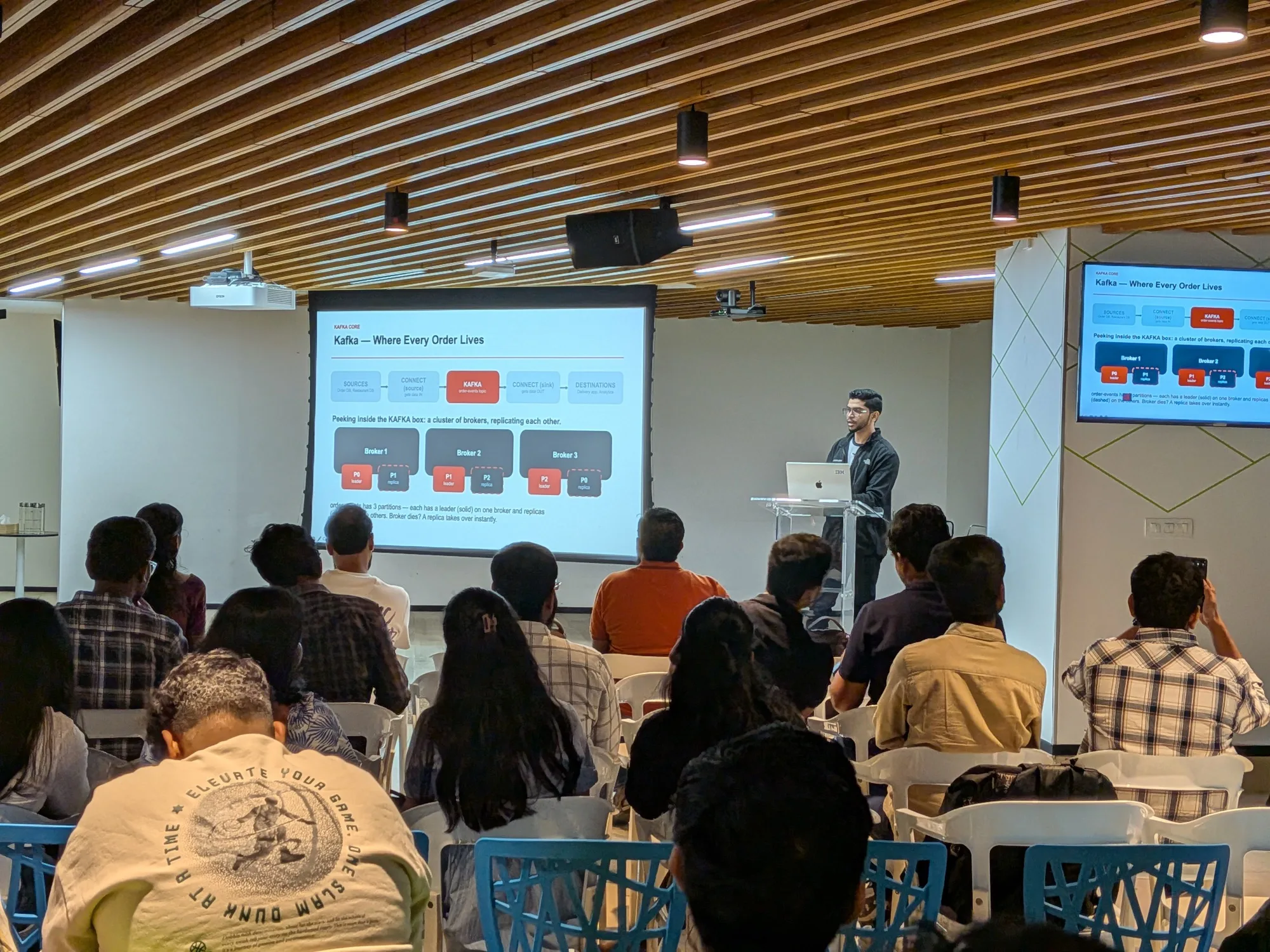
What I covered
I opened with the problem every growing system hits, a tangle of point-to-point integrations, and showed how Kafka in the middle untangles it. I kept the Kafka basics short and spent most of the time on the S3 Sink connector, with real configs and the mistakes I see while working on it.
- Kafka fundamentals: the core ideas, enough to follow the rest of the talk.
- Kafka Connect: what it is, and why it beats writing your own integration code.
- S3 Sink connector: landing Kafka data in Amazon S3, and the settings that matter.
- End to end: a sample IoT pipeline, from devices to analytics on AWS.
Live demo
- A Kafka broker and a Connect worker running in Docker Compose.
- Create an S3 bucket, then create the S3 Sink connector with one REST call.
- Produce JSON orders and watch the objects appear in S3.
Gotchas I shared
flush.size: too small means many tiny S3 objects and high PUT costs; too large delays writes. Each file is one PUT request.rotate.interval.msvsrotate.schedule.interval.ms: record time vs wall-clock time. Know which one you need.- Use Parquet for analytics: columnar and compressed (snappy, gzip or zstd), and Athena reads it well.
- Enable a dead-letter queue so bad records don’t block the pipeline.
- IAM permissions: the connector needs PutObject, GetObject, AbortMultipartUpload, PutObjectTagging, ListAllMyBuckets, ListBucket and GetBucketLocation.
- Schema compatibility: set
schema.compatibility(BACKWARD, FORWARD or FULL) to catch breaking changes.